Valentine Backgrounds of 123FlashChat Happy Valentine to everyone! Warm prompt from 123FlashChat Team: backgrounds of chatroom especially for your Valentine scheme for 123FlashChat users or tester! - Live demo of the Valentine schemes
- Just single background swf, not a whole set of skin.
- Instruction on how to launch the valentine backgrounds:
1. log in admin panel-basic settings -> skin setting
2. At the bottom of the panel, select the skin (in this case, we choose Default) you need to add the background to, and then click Background button. 
3. You click Add button, enter the name the background's filename, click Set As Default, Click Save Button 
4.Restart your chat, and then it will be OK. Have fun! We recommend these backgrounds below for you for Valentine!
bkground20.swf 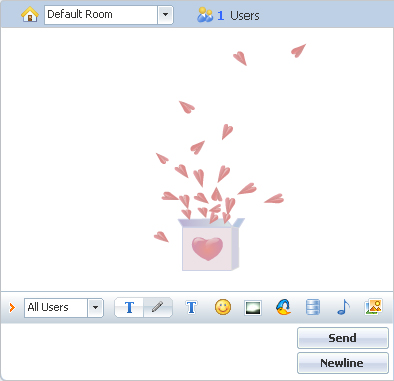
bkground21.swf 
bkground22.swf 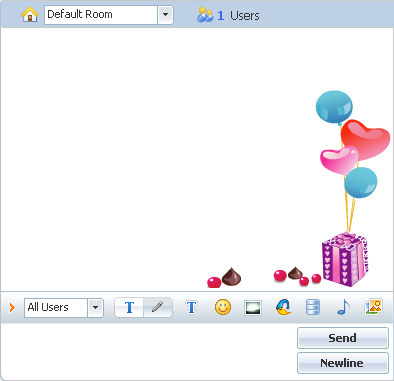
bkground23.swf 
bkground24.swf 
bkground25.swf 
bkground26.swf 
bkground27.swf 
Note: Since in 123flashchatv7, a user's background option is remembered as he logs in at the first time, so the background you added may not been taken into effect immediately. But, to the new comer, this background will be the default one when he logs in your chat for the first time. |





