How to video chat on Facebook?
How to video chat on Facebook? Step 1. Login Facebook and Visit Chat Login Facebook and visit:
http://apps.facebook.com/video-chat-room/ Then authorize the application on Facebook, and the process is similar to any other social identity providers. 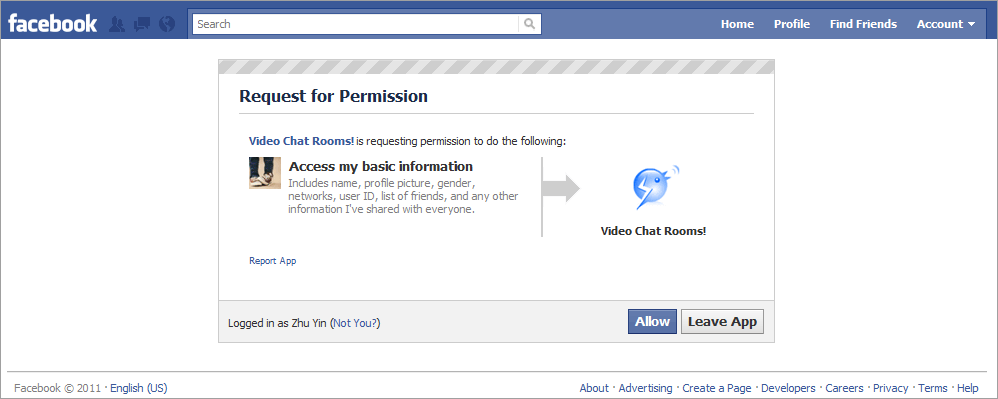
A sample chat room will show, and it's free to join in! So click the Default Room to enter. 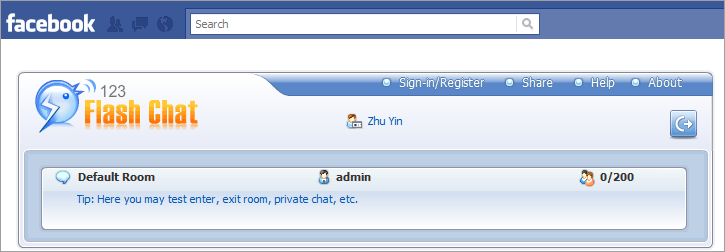
Step 2. Visit Chat from Your Homepage Now that you've authorized the chat app, there is an alternative way to join the chat anytime you want.
Facebook-> Home, left navigation bar, find: APPS-> Video Chat Rooms Video Chat Screenshot 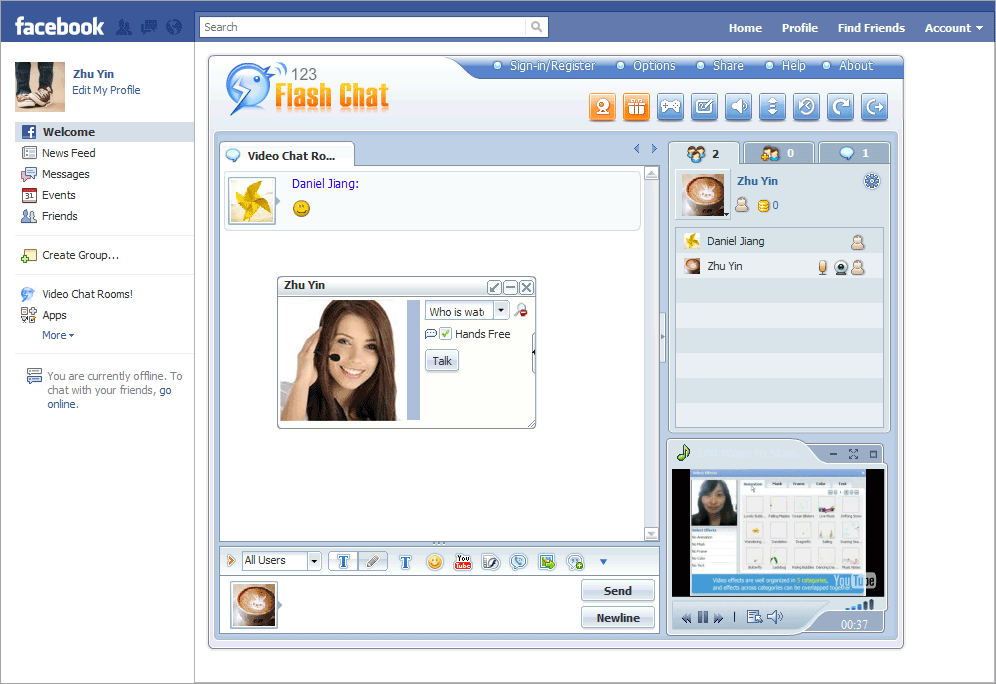
Whiteboard Screenshot 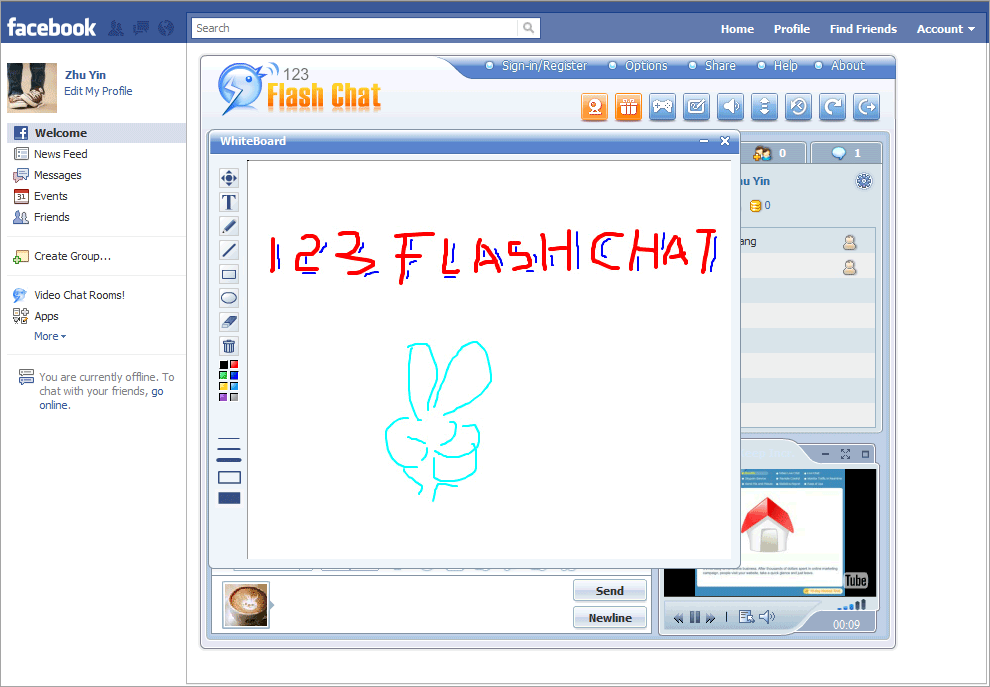
If you have any questions or advice regarding this app, please send an email to support@123flashchat.gr. | |


